DIGITAL DRAWING, BUILT FOR PRECISION — NOT FREEHAND
Digital Drawing Software for Precise 2D Illustration
neither do we.
If you're looking for a sketching app, this isn't it. If you're looking for exact, this is.
OUR HERO
Precision Digital Drawing
Not a Sketchbook. A Drafting Table.
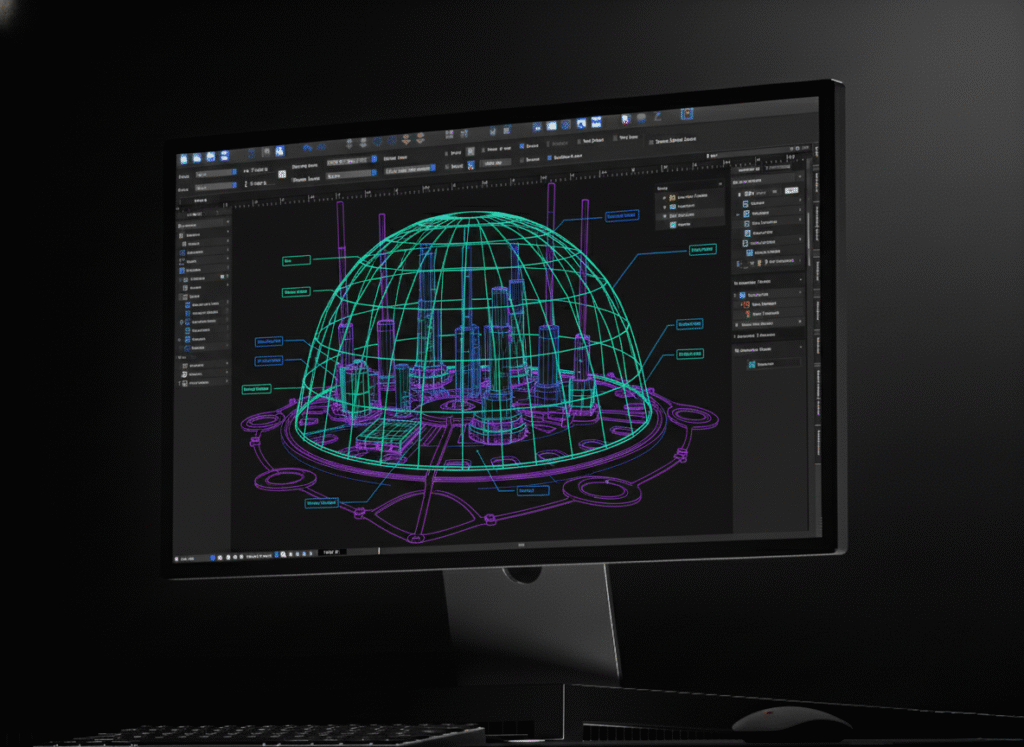
canvasxdraw isn't built for freehand digital painting or concept sketching. There are tools designed specifically for that, and they do it well. canvasxdraw is built for digital drawing that has to be exact:scale drawings, technical diagrams, dimensioned illustrations where every line means something.
Vector Precision, Not Pixel Approximation.
.035 micron accuracy. Snap to exact positions, define scales, align elements systematically. Your drawing holds its precision at any zoom level, any output size because it's built from mathematical paths, not brushstrokes.
From Hand-Drafting to Digital, Without Losing Anything.
Everything a drafting table gave you. The exact scale, controlled line weight, dimensioned accuracy carried into a digital workflow, with the added ability to import CAD source files, layer in raster reference, and export to publication-ready formats.
WHAT IS CANVASXDRAW?
Digital Drawing Software for Technical Precision
canvasxdraw is precision 2D digital drawing software for technical illustrators, drafters, and
documentation teams. It is software for digital drawing that has to be exact, not freehand digital art. It replaces the drafting table with vector-accurate tools built for scale drawings, technical diagrams, and illustrations that have to be right.
HOW DO I USE CANVASXDRAW?
Draw Digitally, Without Sacrificing Precision
Start a drawing from scratch or import a native AutoCAD file as your base. Snap objects into exact positions, draw from center points, and define scales with certainty. Add dimension objects that conform to IEEE, ANSI, DIN, and JIS standards. Layer in scanned or raster reference material alongside your vector work. Build a Symbol Library of recurring elements and keep every instance in sync as your drawing evolves.
WHY SHOULD I USE CANVASXDRAW?
Because Not Every Digital Drawing Is Art
Painting apps are built for expression. canvasxdraw is purpose built for accuracy; technical diagrams, scale drawings, and illustrations where a line has to represent a real measurement, not just look right. If your digital drawing needs to hold up to scrutiny, not just look good on screen, this is the tool built for that job.
Don't Compromise
Click down arrow for more details
Command Every Detail.
Zero Compromise.
Command Every Detail.
Zero Compromise.
Communicate with CAD Files
Import and edit native AutoCAD files with full confidence and precision. canvasxdraw provides
CAD-inspired dimensioning tools, advanced snap settings, and intelligent object handling,
without requiring a CAD license to open, mark up, or publish from that data.
Work Within Industry Standards
Create dimension objects that conform to IEEE, ANSI, DIN, and JIS standards. The same standards your engineering and technical publications teams already answer to.
Articulate with Annotations
Add labels, callouts, and comments with SmartLinesTM that stay connected to the geometry when illustrations get repositioned critical for parts diagrams and maintenance callouts that go through repeated revision cycles.
Share with Assurance
Apply secure encryption and password protection to exported PDFs. Maintain control over who can open, edit, or print controlled technical documents.
Create Documents for Every Purpose
Templates for illustration, publication, and multi page technical manuals, so your team isn’t rebuilding the same document structure from scratch every program.
Digital Drawing Applications
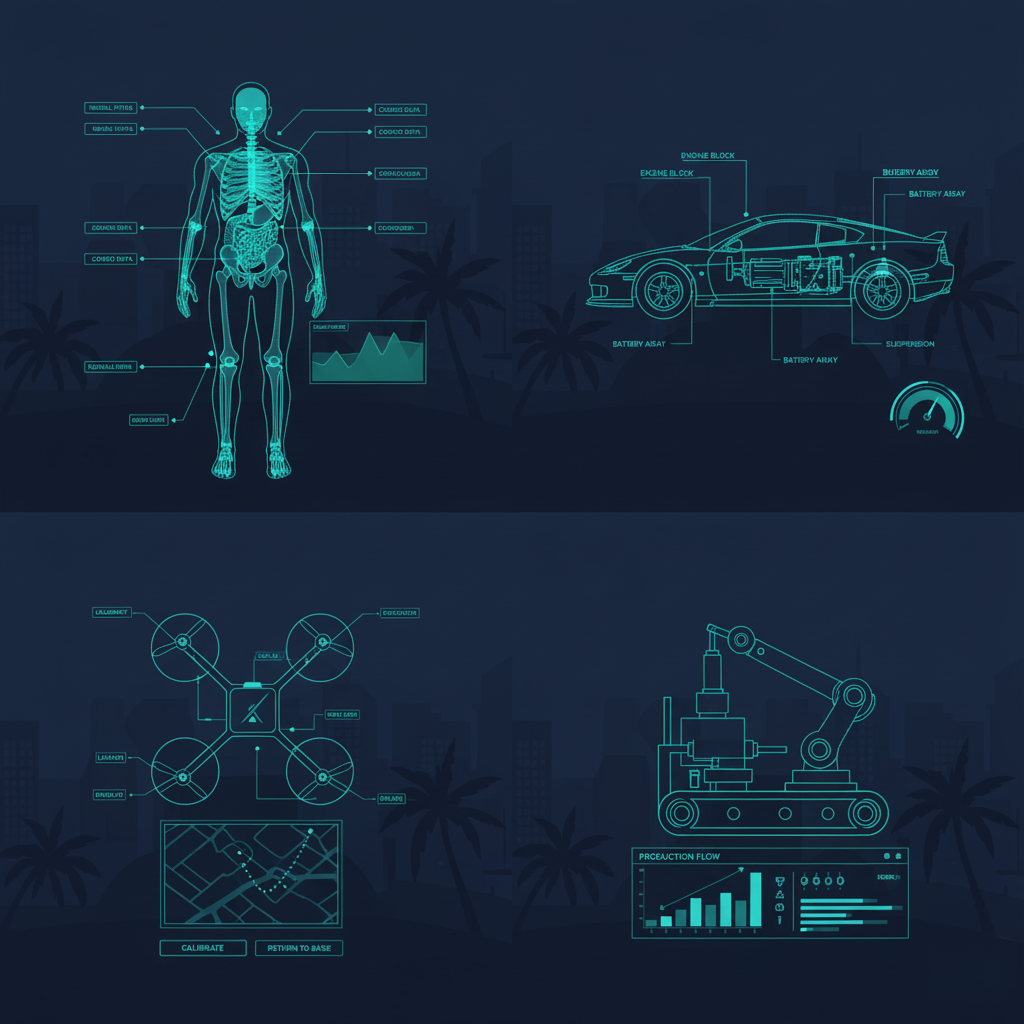
Technical Diagrams & Schematics
Build diagrams where every line represents a real relationship or measurement, not just a visual suggestion, with the precision to hold up under review.
Scale Drawings & Floor Plans
Draw to exact scale digitally, with the same control over dimension and proportion a drafting table gave you, plus the ability to revise without starting over.
Dimensioned Illustrations
Add dimension objects that conform to IEEE, ANSI, DIN, and JIS standards directly on the drawing that is not layered on afterward in a separate tool.
CAD-to-Digital Drawing Conversion
Import a native AutoCAD file as your starting point, then build clean, precise digital drawings and illustrations from that source geometry.
Digital Drafting Documentation
Produce the exact, publication-ready drawings that technical documentation depends on, built for accuracy first, without the learning curve of a full CAD platform.
Who Uses
canvasxdraw for Digital Drawing?
Technical illustrators, drafters, and documentation teams moving from hand-drafting to digital
workflows not digital painters or concept artists. Engineers, technical writers, and anyone who needs a digital drawing to represent a real, exact measurement, not just look right on screen.
Canvasxdraw vs. General Illustration Software vs. Full CAD
Requirement
Canvasxdraw
Digital painting/sketching apps
Vector-based (infinitely scalable)
Yes
Rarely, mostly raster/pixel-based
Exact dimensioning & measurement tools
Yes
Not typically built in
Snap-to-precision positioning
Yes
Not a standard feature
Native CAD file import (DWG/DXF)
Yes
Built for freehand/expressive sketching
Yes
IEEE floating-point numerical accuracy
Yes
Not a standard spec
FAQ(Frequently Asked Questions)
Is canvasxdraw good for digital painting or sketching?
Is canvasxdraw digital drawing software?
What's the best digital drawing software for technical work?
For technical work like scale drawings, diagrams, dimensioned illustrations. The best digital drawing software is a vector-based tool with exact positioning and measurement controls, not a raster painting app. canvasxdraw is built specifically for that use case, with native CAD file import and standards- conformant dimensioning.
Does canvasxdraw support vector graphics?
Yes. canvasxdraw is a vector-based illustration tool at its core, combined with full raster image editing in the same document.
Can I import CAD files into canvasxdraw for digital drawing?
Yes. Import native AutoCAD (DWG/DXF) files directly as a starting point for your digital drawing, without needing a CAD license to work from that source data.
Is canvasxdraw suitable for scale drawings and technical diagrams?
What operating systems does canvasxdraw support?
FIND YOUR FIT
Pricing Plans
subscribe
buy
Most Popular
![]()
All in one graphics software universal for macOS
$199
1 Year Term
- Full Support
- Access to New Versions
- See Requirements
Most Popular
![]()
Visualize complex ideas with precision and clarity
$199
1 Year Term
- Full Support
- Access to New Versions
- See Requirements
Most Popular
![]()
Combining a rich graphic toolset with sophisticated geospatial data handling
$399
1 Year Term
- Full Support
- Access to New Versions
- See Requirements
Most Popular
![]()
All in one graphics software, universal for macOS
$399
perpetual license
- No Renewals. No Cut Off.
Once off Purchase
Access to Version Updates - See Requirements
Most Popular
![]()
Visualize complex ideas with precision and clarity
$399
perpetual license
- No Renewals. No Cut Off.
Once off Purchase
Access to Version Updates - See Requirements
Most Popular
![]()
Combining a rich graphic toolset with sophisticated geospatial data handling
$949
3 Year Term
- Save $248!
Full Support
Access to New Versions - See Requirements
Offline (air-gapped) licensing available contact sales@vectorgfx.net
