

NUCLEAR ENGINEERING WITHOUT COMPROMISE
Nuclear Engineering & Plant Maintenance Drawing Software
neither do we.

2D vector graphics software for nuclear engineers, mechanical engineers, and maintenance teams who document, markup, and maintain the technical drawings that keep a plant running safely.
OUR HERO
Nuclear Engineer & Mechanical Engineer
Precision isn't a feature. It's a Standard.
canvasxdraw is engineered for nuclear and mechanical engineers who document plant systems where “close enough” isn’t good enough.
One Application. Every Advance.
From P&ID markup to maintenance work instructions, canvasxdraw gives you the full power of a technical documentation suite without the noise, bloat, or CAD-seat overhead.
Power within Reach
canvasxdraw delivers professional performance without the enterprise plant-design price tag giving nuclear engineering and maintenance teams the freedom to choose the tool they deserve.
WHAT IS CANVASXDRAW?
Meet canvasxdraw for Nuclear Engineering
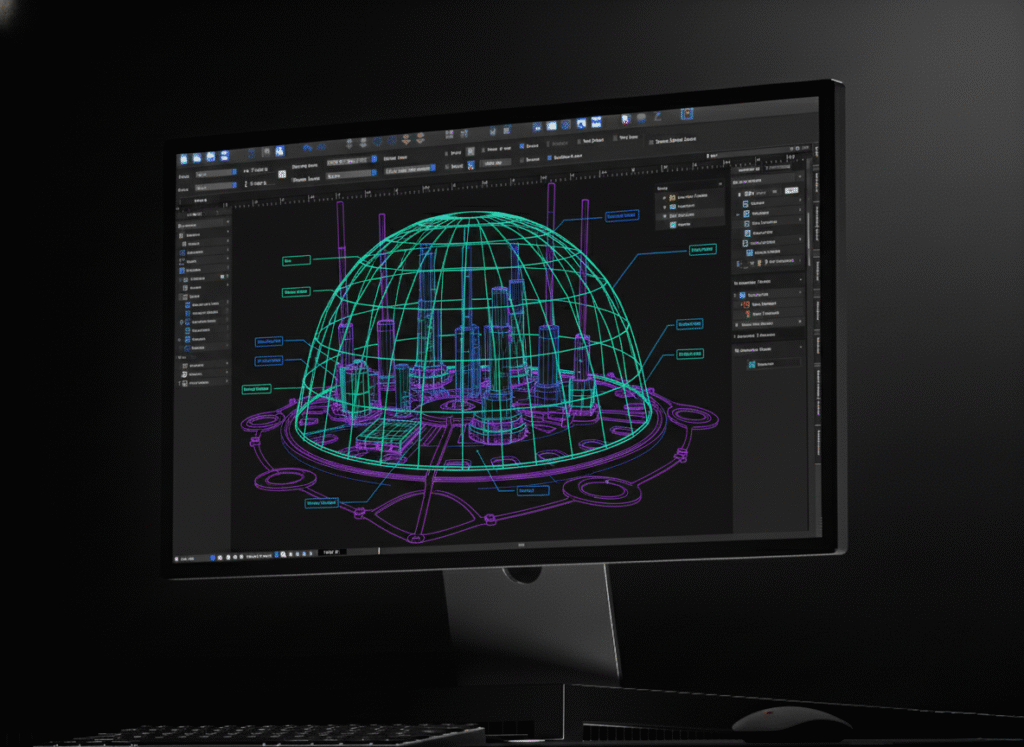
canvasxdraw is precision technical illustration software built for nuclear engineers, mechanical engineers, and maintenance planners who need to document, markup, and communicate complex plant systems with total accuracy. Whether you’re producing piping and instrumentation diagrams, maintenance work instructions, outage work packages, or workflow drawings for operations procedures, canvasxdraw delivers sub-micron accuracy (.035-micron precision) in an interface built for engineers, not illustrators learning CAD from scratch. It’s precision 2D vector graphics for nuclear technical illustration. It is purpose-built for the people who keep a plant’s documentation as reliable as the plant itself.

HOW DO I USE CANVASXDRAW?
Create Precise Plant Drawings, Maintenance Documentation, and Workflow Diagrams
Think of canvasxdraw as your precision workbench for nuclear plant documentation. Import AutoCAD DWG/DXF files from your plant design system and layer vector markup, dimensioning, and annotations directly on top — without needing a CAD seat to do it. Build maintenance workflow drawings and process diagrams that map out procedures step by step. Mark up P&IDs and isometric drawings with annotation tools that snap to geometry, not guesswork. With native support for 100+ formats including full DXF/DWG compatibility and specialized technical standards like CGM and WebCGM. canvasxdraw integrates directly into existing nuclear engineering and maintenance workflows. Import 2D drawings, enhance them with precise markup, and export publication-ready, revision-controlled documentation.
WHY SHOULD I USE CANVASXDRAW?
Built for the Standards Nuclear Engineering Demands
Because in nuclear power, documentation accuracy isn’t negotiable. canvasxdraw eliminates the compromises that come from juggling a full CAD license, a separate diagramming tool, and a document viewer just to keep maintenance drawings current. Create encrypted, reviewable technical packages that maintain precision through every revision cycle — critical when maintenance procedures, work instructions, and as-built drawings all need to stay under configuration control. Export to passwordprotected PDFs that meet professional publishing standards, and work within drawing conventions that align with IEEE and ANSI standards. When your audience includes engineers, inspectors, regulators, and maintenance crews who scrutinize every dimension, canvasxdraw ensures your drawings communicate with unambiguous authority.

Where canvasxdraw Fits in Nuclear Plant Engineering & Maintenance
Piping & Instrumentation Diagram (P&ID) Markup and Illustration
Import P&IDs and isometric drawings from your plant design system and mark them up with precise annotation, redlines, and dimensioning without needing a full plant-design CAD license to do routine markup and documentation work.
Maintenance Procedure & Work Instruction Documentation
Build clear, step-by-step maintenance work instructions and procedure illustrations that maintenance technicians can follow exactly, with annotation and callout tools designed for technical clarity, not decoration.
Outage Planning & Work Package Drawings
Assemble the drawings and diagrams that go into an outage work package, from scope drawings to sequence-of-work illustrations, with a workflow built for fast turnaround under outage schedule pressure.
Aviation Training Materials
Import existing AutoCAD DWG/DXF drawings, apply field redlines and modification markups, and maintain an accurate as-built record without routing every minor change through your plant design system.
Workflow & Process Diagrams for Operations and Maintenance
Create workflow drawings and process flowcharts that document maintenance procedures, operational sequences, and administrative workflows which are built directly in canvasxdraw rather than imported as a static image from a separate charting tool.
Who Relies on canvasxdraw in Nuclear Power
- Nuclear Engineers: Documenting system design intent, markup, and technical communication across plant systems.
- Mechanical Engineers: Producing and maintaining component drawings, maintenance drawings, and technical illustrations for plant equipment.
- Maintenance Planners & Technical Writers: Building maintenance work instructions, procedure diagrams, and workflow drawings for maintenance crews.
- Outage Planning Teams: Assembling work-package drawings and sequence illustrations under tight outage schedules.
- Document Control & Configuration Management Staff: Maintaining revision-controlled, exportable, and securely shareable technical drawing packages.
Don't Compromise
Click down arrow for more details
Command Every Detail.
Command Every Detail.
Communicate with CAD Files, Without a CAD Seat
Import and edit native AutoCAD DWG/DXF files with full confidence and precision. canvasxdraw provides CAD-inspired dimensioning tools, advanced snap settings, and intelligent object handling that make it easy to modify and annotate plant drawings directly without a plant-design CAD license for every engineer who just needs to mark up or maintain a drawing.
Go With The Flow(Chart)
Present maintenance procedures and operational workflows in visually clear, logical flowcharts and process diagrams which are built with dynamic charting tools directly in canvasxdraw rather than imported as a static image from a separate application.
Definitive Dimensions
With linear, chain, and baseline dimensioning tools, pinpoint horizontal, vertical, oblique, and perpendicular distances on plant drawings. Display size information as you draw, measure diameter, radius, angle, area, and perimeter, and nail down scale for accurate technical drawings.
Work Within Industry Standards
Create dimension objects that conform to existing industry standards, including IEEE (Institute of Electrical and Electronics Engineers) floating point standard and ANSI (American National Standards Institute) U.S. product and industry standards. These are the standards conventions nuclear engineering documentation is built around.
Add Objects on the Fly
Build a library of commonly used plant and maintenance symbols, or create your own from any vector, text, or composite object and add it to the Symbol Library. Update a symbol once, and every instance across your documentation updates with it.
Share with Assurance
Apply secure encryption and password protection to exported PDFs for controlled maintenance and engineering documents. Maintain complete control over who can open, edit, and print your drawings and data, while preserving the ability to edit documents even after rendering to PDF.
How canvasxdraw Compares
canvasxdraw
FAQ(Frequently Asked Questions)
Is canvasxdraw nuclear engineering design software?
Is canvasxdraw mechanical engineering software?
Can canvasxdraw open AutoCAD DWG/DXF files from our plant design system?
Can I create workflow and process diagrams for maintenance procedures?
Does canvasxdraw support the IEEE and ANSI standards used in nuclear documentation?
Can I securely share controlled maintenance and engineering documents?
Is canvasxdraw a replacement for AVEVA, SmartPlant, or other plant design software?
What's the difference between canvasxdraw and Visio for workflow diagrams?
FIND YOUR FIT
Pricing Plans
subscribe
buy
Most Popular

All in one graphics software universal for macOS
$199
1 Year Term
- Full Support
- Access to New Versions
- See Requirements
Most Popular

Visualize complex ideas with precision and clarity
$199
1 Year Term
- Full Support
- Access to New Versions
- See Requirements
Most Popular

Combining a rich graphic toolset with sophisticated geospatial data handling
$399
1 Year Term
- Full Support
- Access to New Versions
- See Requirements
Most Popular
All in one graphics software, universal for macOS
$399
perpetual license
- No Renewals. No Cut Off.
Once off Purchase
Access to Version Updates - See Requirements
Most Popular
Visualize complex ideas with precision and clarity
$399
perpetual license
- No Renewals. No Cut Off.
Once off Purchase
Access to Version Updates - See Requirements
Most Popular
Combining a rich graphic toolset with sophisticated geospatial data handling
$949
3 Year Term
- Save $248!
Full Support
Access to New Versions - See Requirements
Offline (air-gapped) licensing available contact sales@vectorgfx.net