

The canvasxdraw for Windows
2026 Innovation Release.
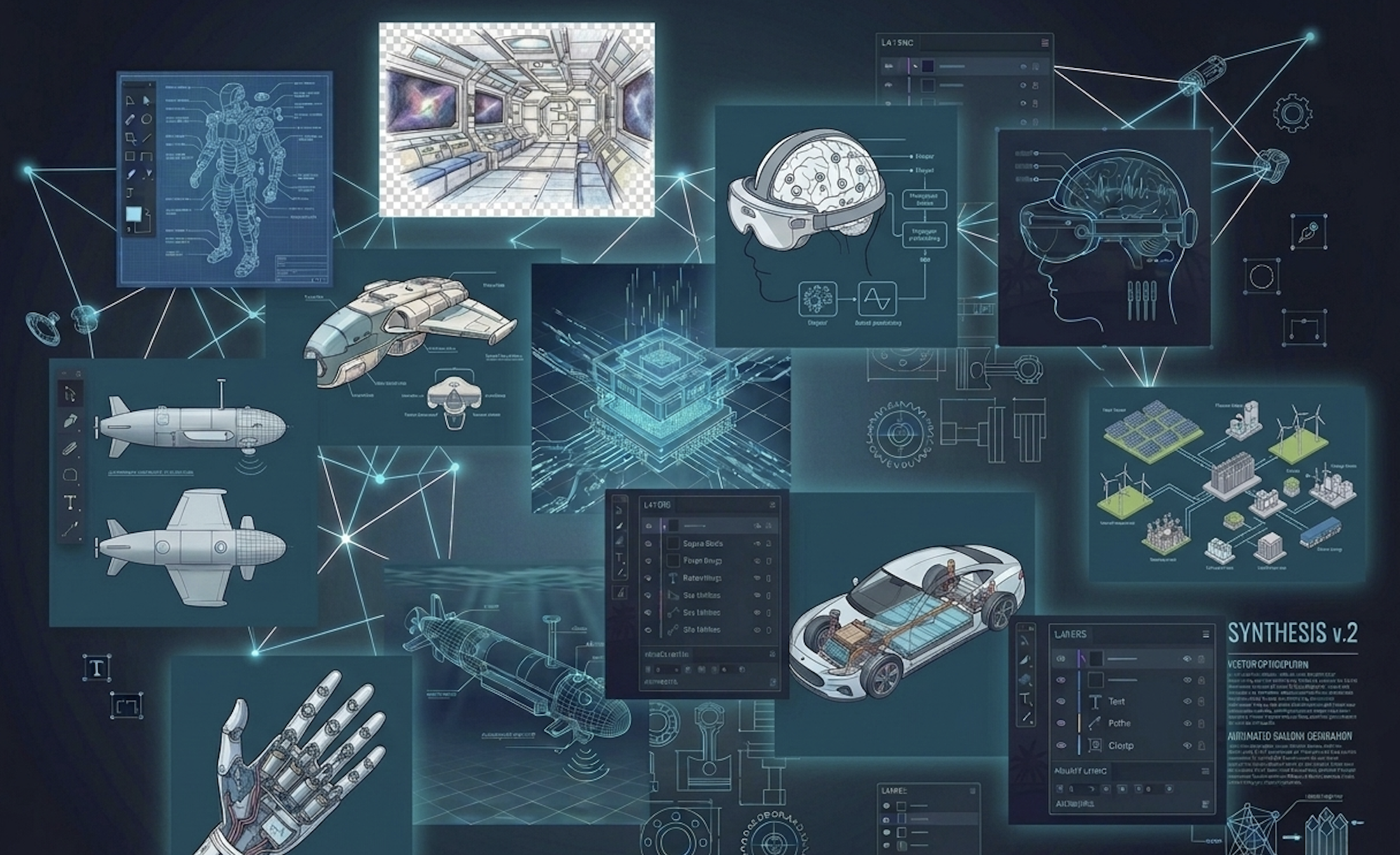
The Evolution of Technical Illustration. Since the acquisition by Vector GFX, canvasxdraw started its transformation. We’ve moved beyond “maintenance” to deliver a high-performance, feature-rich environment built specifically for engineers, illustrators, and documentation professionals…. With more to come based on your feedback.
Why Upgrade from Legacy Versions (2019 and Older)?
If you are still using a legacy version of canvasxdraw for Windows, you are missing out on
significant performance boosts and modern file compatibility. Our 2026 release is designed to
solve the workflow bottlenecks of the past.
- New Vector GFX User Portal: Modernized licensing and account management.
- Enhanced Stability: Optimized UI for complex file handling and High-DPI displays.
- Commitment to Innovation: Regular maintenance releases and feature updates driven by user feedback.

Professional 2D Isometric Illustration & Projection
While canvasxdraw is a dedicated 2D technical illustration powerhouse, it provides advanced
tools to help you visualize complex parts in three dimensions using Isometric Projections.
Create assembly diagrams and technical manuals with precision without the complexity of a full
3D CAD environment.
- Create Isometric Guides: Instantly generate isometric grids to draw objects in a standard 30-degree perspective.
- Precision Alignment: Use vector tools to snap and align components perfectly within an isometric plane.
- Exploded View Diagrams: Ideal for creating clear, professional assembly instructions from 2D parts.
Advanced Data & Math Integration
- Editable Math Equations: Create and edit complex math objects directly in your document ().
- Measure Path Tool: Calculate travel time and steps based on velocity—perfect for logistical planning.
- QR Code Generator: Instant mobile-ready codes for smart documentation.

Comprehensive Fixes and Improved Compatibility
We have listened to our power users to ensure canvasxdraw remains the most reliable raster
and vector ALL IN ONE software for Windows.
Comparison Table:
Feature Improvement
Benefit to Your Workflow
DWG/DXF Support
Special character support in paths and filenames for global projects.
Office Integration
Fully functional DOCX placement and restored image source paths.
PDF Handling
SHX fonts from PDFs now import at readable, accurate sizes.
Table Management
"Copy as Text" feature for seamless data transfer to spreadsheets.
FAQ
Is Canvas X Draw a legacy product?
Is Canvas X Draw a legacy product?
No. Under Vector GFX ownership, canvasxdraw is
a core product. We are actively developing new features and providing regular maintenance
releases to ensure it remains a market leader in technical illustration.
How do I manage my new license?
How do I manage my new license?
All 2026 users get access to the new Vector GFX
User Portal, providing a centralized location to manage seats and updates.
Where can I find a full list of technical updates?
Where can I find a full list of technical updates?
You can view our exhaustive list of 50+ improvements and bug fixes at the Vector GFX Knowledge Center.
Ready to Modernize Your Workflow?
Join the thousands of professionals who have already moved to the Vector GFX era.