Skip to content Skip to sidebar Skip to footer

Precision in Every Pixel: Why the Research World is Moving to canvasxdraw for Mac

In the world of high-stakes research—at institutions like the NIH, Cleveland Clinic, and Mayo Clinic—the distance between a groundbreaking discovery and a successful grant often comes down to a single image. For years, researchers have been forced into a difficult compromise: use "consumer-grade" design tools that lack technical accuracy, or struggle with complex Windows-based CAD…

Read More

The Precision of People

Why Loyalty is Our Most Important Spec In the world of 2D technical illustration, we talk a lot about precision. We talk about line weights, compatibility, and the mathematical perfection of a vector curve. But as we’ve been beta testing the new canvasxdraw for Mac (Native/Universal), we’ve been reminded of a metric that doesn’t show…

Read More

The Precision of People

Why Loyalty is Our Most Important Spec In the world of 2D technical illustration, we talk a lot about precision. We talk about line weights, compatibility, and the mathematical perfection of a vector curve. But as we’ve been beta testing the new canvasxdraw for Mac (Native/Universal), we’ve been reminded of a metric that doesn’t show…

Read More

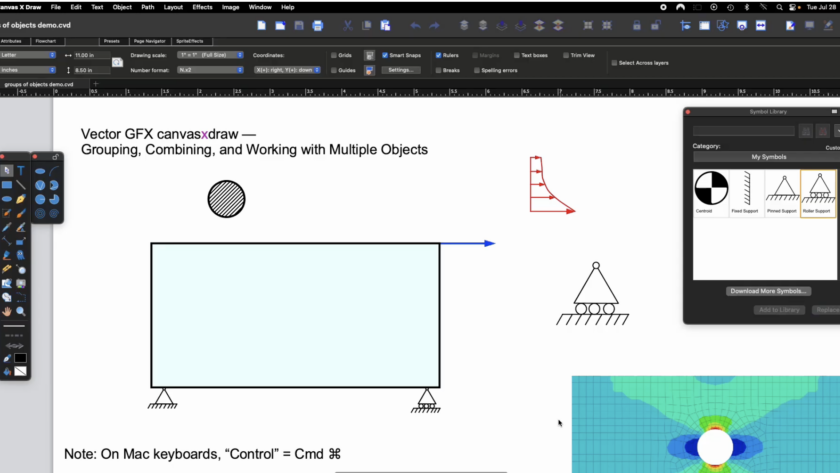
The “Mac Gap”: Why Technical Illustrators are Switching to canvasxdraw

If you are a technical illustrator or engineer working on a Mac, you’ve likely felt like a second-class citizen in the software world. You’ve probably looked at CorelDRAW Technical Suite only to realize the "Technical" part of the name disappears the moment you switch operating systems.  1. Native & Universal: Built for the Modern Mac  Unlike the competition, canvasxdraw isn’t just "compatible" with Mac; it is…

Read More

The Return of a Powerhouse: Why it’s Time to Move from Microsoft Visio Back to canvasxdraw technical illustration software

For years, many of you relied on canvasxdraw for MAC and Windows for your most complex technical illustrations. You loved its precision, its ability to handle both vector and raster in one place, and its professional-grade output. But we know what happened: the product hit a standstill. When canvasxdraw was under previous ownership, the updates…

Read More

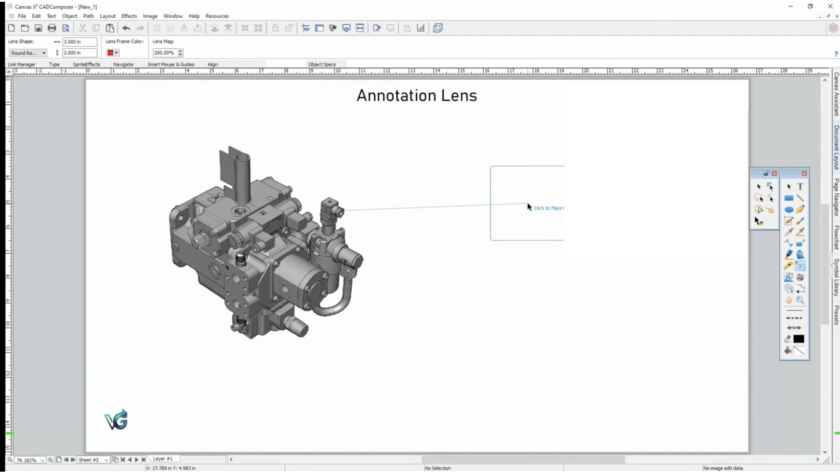
Using the Annotation lens

Enhancing Technical Clarity: A Guide to Using the Annotation Lens in canvasxdraw

In technical illustration, the smallest detail often carries the most weight. Whether you are documenting complex machinery or creating a patent drawing, showing a zoomed-in view of a specific component—without losing the context of the whole assembly—is a constant challenge. showing a zoomed-in view of a specific component—without losing the context of the whole assembly—is…

Read More

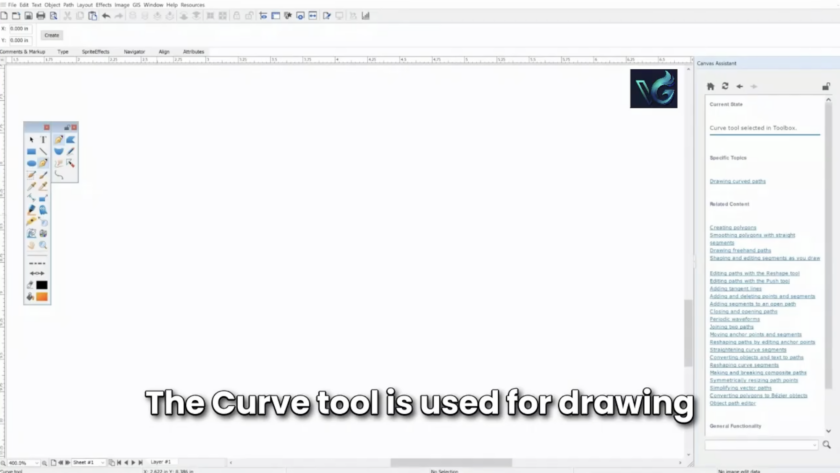
Canvas X Draw Walkthrough

New to canvasxdraw?

Natalie Has You Covered. Switching to a new technical illustration suite can feel like learning a new language. You know what you want to create, but finding the right tools and mastering the workflow takes time. To help you hit the ground running, we are excited to release a new "Getting Started" video tutorial created…

Read More