Skip to content Skip to sidebar Skip to footer

canvasxdraw How-To Series 

Episode 9: Smart Tools  This episode, the Vector GFX team shows you Smart Snaps. This is a fast way to get objects perfectly aligned and evenly distributed without measuring or eyeballing a thing.  What You'll Learn  Alignment is one of those small details that quietly signals a polished illustration from a sloppy one. canvasxdraw's Smart…

Read More

Vector Fill is built to work hand-in-hand with autotraced images

canvasxdraw How-To Series, Episode 6: The Vector Fill Tool 

This episode, the Vector GFX team shows you the Vector Fill tool,  a faster way to color different objects inside canvasxdraw, and one of the tools that pairs most naturally with Autotrace.  What You'll Learn  Vector Fill is built to work hand-in-hand with autotraced images, so if you haven't watched Episode 2 on the Autotrace tool yet, it's worth a quick look first this episode…

Read More

canvasxdraw How-To Series, Episode 4: Using Colors

canvasxdraw How-To Series, Episode 4: Using Colors 

We've covered symbols, autotrace, and text tools. This episode builds on your custom color palette (created in the Color Presets window) and shows you how to actually apply those colors to both rasterized images and vector objects.  What You'll Learn  Rasterized images, like a JPEG, are made of pixels with soft, pixelated edges. Vector objects, like an SVG, have sharp, calculated edges.…

Read More

Text Tools Instructional Video

How-To Series, Episode 3: Working with Text Tools 

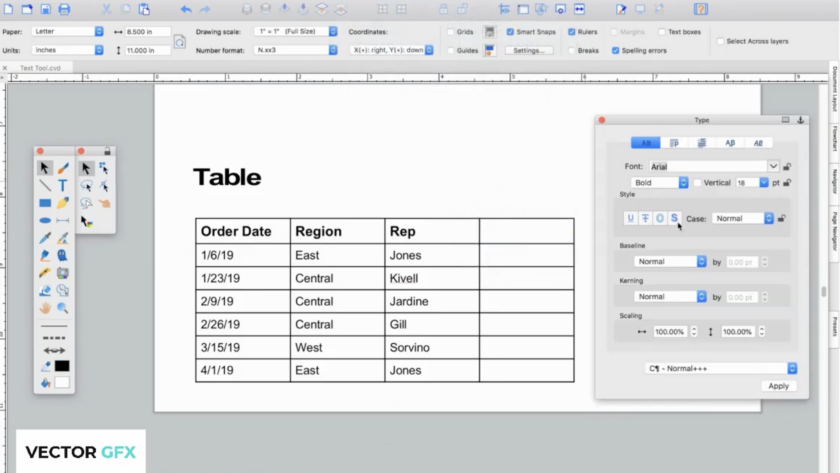
So far we've covered building your Symbol Library and using Autotrace to turn images into vectors. This episode is all about text — placing it, styling it, running it along a path, and organizing it into tables.  What You'll Learn:  canvasxdraw's text tools will feel familiar if you've used other authoring software, but they come with the same precision and flexibility canvasxdraw applies to everything…

Read More

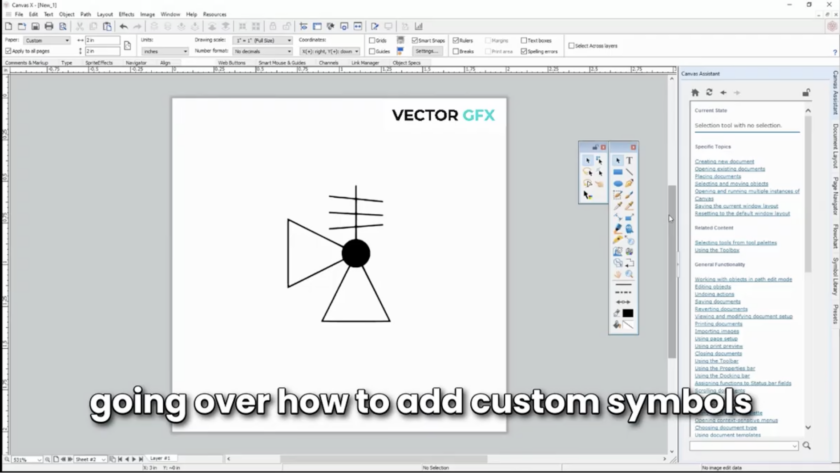
canvasxdraw ships with a rich symbol library packed with hundreds of ready-to-use symbols spanning multiple industries. But your projects don't always fit inside someone else's symbol set. That's why canvasxdraw also lets you build your own symbols from scratch and drop them straight into the library, right alongside the built-in set.

Introducing the canvasxdraw How-To Series: Get More Out of the Features You Already Love 

You don't compromise on your illustrations. We don't think you should have to compromise on knowing your tools inside and out, either.  That's why we're kicking off a new video series built for canvasxdraw users who want to move faster and get more out of the software's most powerful features. Each episode is short, practical, and focused on one feature at a time, no fluff,…

Read More

From Fragmented Suite to Unified Workflow: Your CorelDRAW Technical Suite to canvasxdraw Migration Guide is Here 

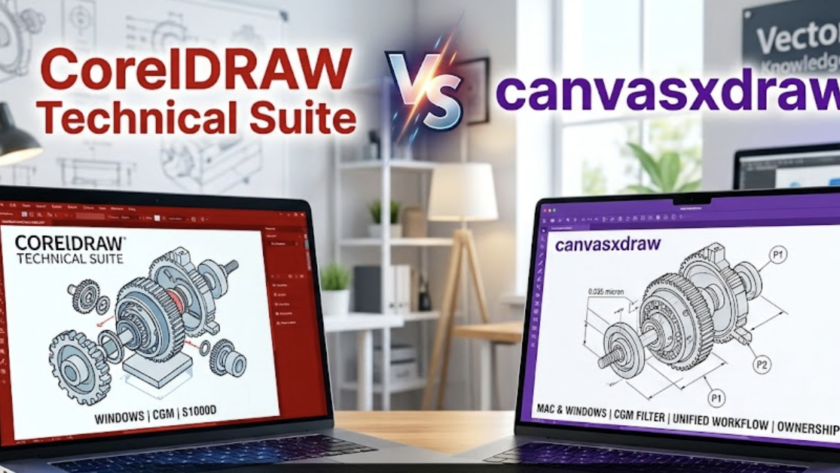
Over the past several months, we've made the case on this blog for why canvasxdraw is the smarter technical illustration platform for engineers, patent professionals, and technical writers who are tired of "close enough." We've walked through the cost math, the workflow advantages, and the Mac parity gap that CorelDRAW Technical Suite simply can't close. The response from technical illustration teams has been…

Read More

The Real Cost of CorelDRAW Technical Suite 

A Technical Evaluation for Professionals Considering Their Options  Foreword  This document is not a sales brochure. It contains no lifestyle photography, no stock images of people looking thoughtfully at monitors, and no vague claims about "empowering your creativity."  What it contains is a factual, sourced analysis of what CorelDRAW Technical Suite costs Including dollars, time, and productivity compared to canvasxdraw from VectorGFX. The data comes…

Read More