Episode 9: Smart Tools
This episode, the Vector GFX team shows you Smart Snaps. This is a fast way to get objects perfectly aligned and evenly distributed without measuring or eyeballing a thing.
What You'll Learn
Alignment is one of those small details that quietly signals a polished illustration from a sloppy one. canvasxdraw's Smart…
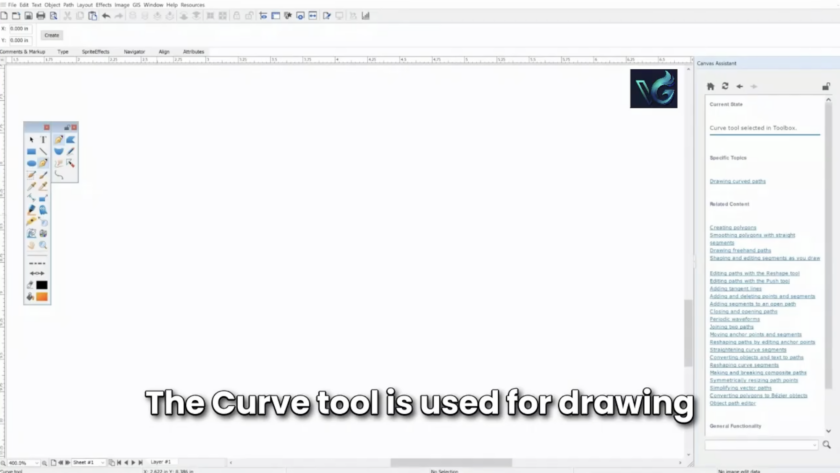
This episode, the Vector GFX team shows you the Curve tool, how to draw smooth, controlled lines, switch direction mid-curve, and swap between curved and straight segments without starting over.
What You'll Learn
The Curve tool gives you full control over a path as you draw it: where it curves, how sharply, and when it…
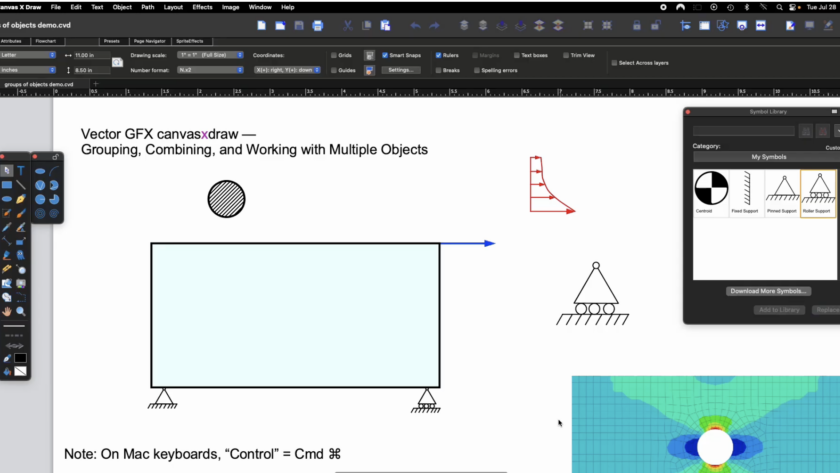
An Engineer's Guide to Grouping, Combining, and Working with Objects
This episode comes from someone who's used canvasxdraw almost daily for over 20 years: Paul Dufour, retired Boeing Technical Fellow in Aerospace Structures, and a longtime canvasxdraw champion. Paul has walked us through why good technical illustration matters to design engineers. He understands and uses…
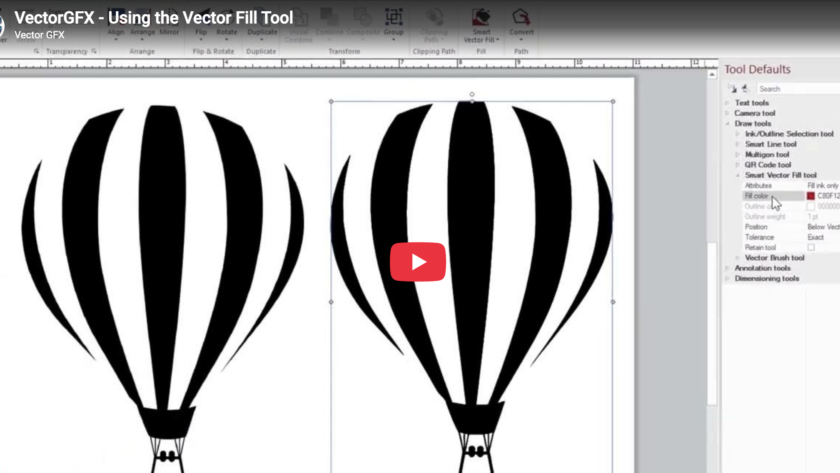
This episode, the Vector GFX team shows you the Vector Fill tool, a faster way to color different objects inside canvasxdraw, and one of the tools that pairs most naturally with Autotrace.
What You'll Learn
Vector Fill is built to work hand-in-hand with autotraced images, so if you haven't watched Episode 2 on the Autotrace tool yet, it's worth a quick look first this episode…