Episode 9: Smart Tools
This episode, the Vector GFX team shows you Smart Snaps. This is a fast way to get objects perfectly aligned and evenly distributed without measuring or eyeballing a thing.
What You'll Learn
Alignment is one of those small details that quietly signals a polished illustration from a sloppy one. canvasxdraw's Smart…
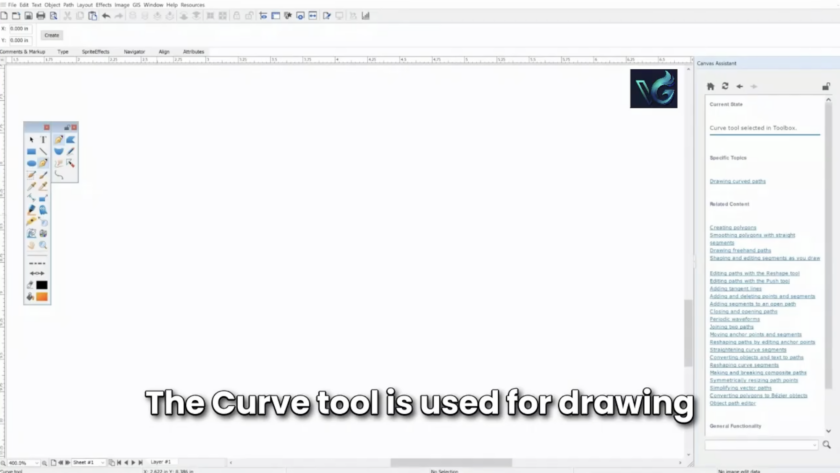
This episode, the Vector GFX team shows you the Curve tool, how to draw smooth, controlled lines, switch direction mid-curve, and swap between curved and straight segments without starting over.
What You'll Learn
The Curve tool gives you full control over a path as you draw it: where it curves, how sharply, and when it…
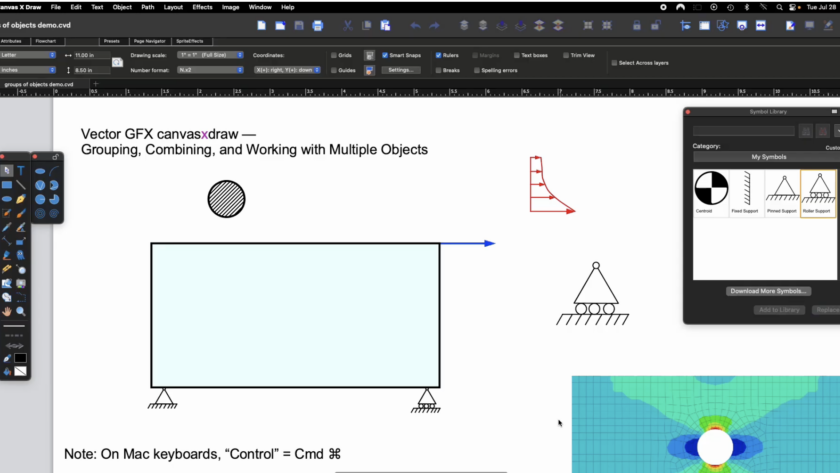
An Engineer's Guide to Grouping, Combining, and Working with Objects
This episode comes from someone who's used canvasxdraw almost daily for over 20 years: Paul Dufour, retired Boeing Technical Fellow in Aerospace Structures, and a longtime canvasxdraw champion. Paul has walked us through why good technical illustration matters to design engineers. He understands and uses…
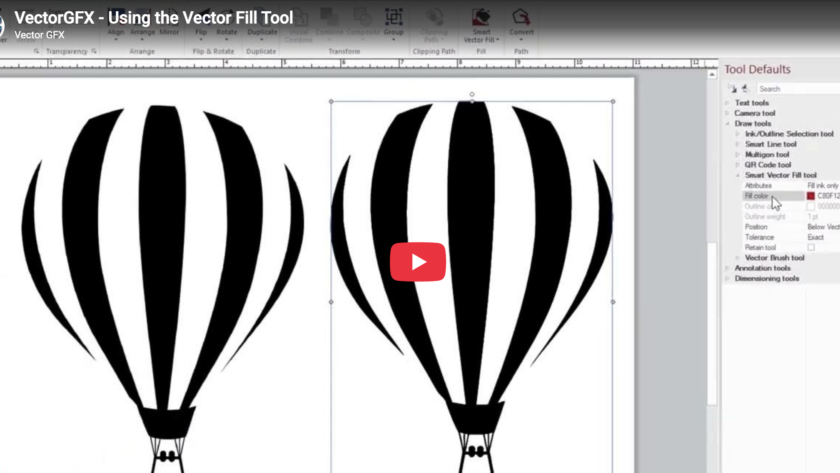
This episode, the Vector GFX team shows you the Vector Fill tool, a faster way to color different objects inside canvasxdraw, and one of the tools that pairs most naturally with Autotrace.
What You'll Learn
Vector Fill is built to work hand-in-hand with autotraced images, so if you haven't watched Episode 2 on the Autotrace tool yet, it's worth a quick look first this episode…
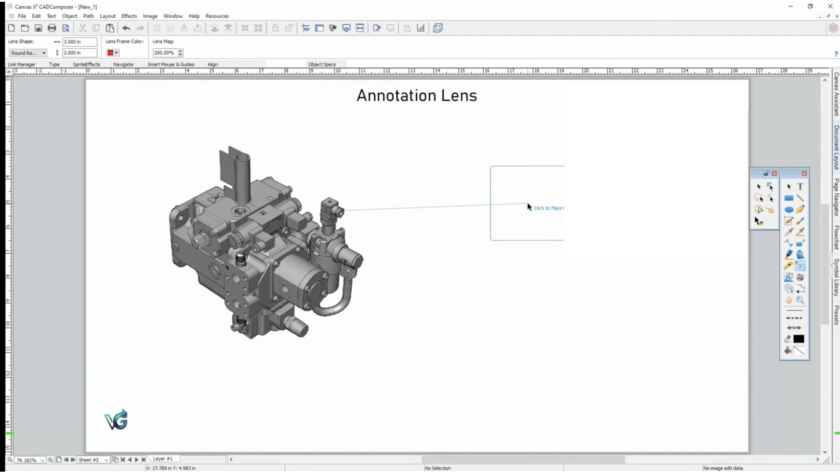
This episode, Natalie from the Vector GFX team shows you the Annotation Lens — a tool built to easily capture and call out detail on a specific area of your canvas.
What You'll Learn
A lens object lets you magnify or highlight a particular region of your illustration without redrawing anything perfect for…
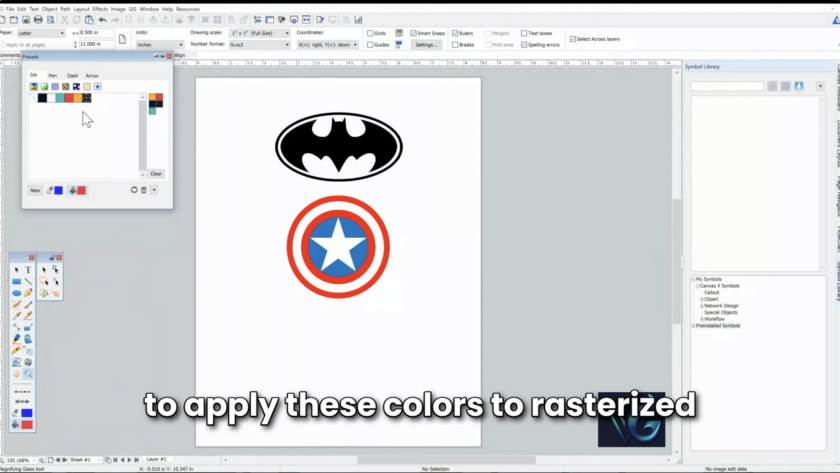
We've covered symbols, autotrace, and text tools. This episode builds on your custom color palette (created in the Color Presets window) and shows you how to actually apply those colors to both rasterized images and vector objects.
What You'll Learn
Rasterized images, like a JPEG, are made of pixels with soft, pixelated edges. Vector objects, like an SVG, have sharp, calculated edges.…
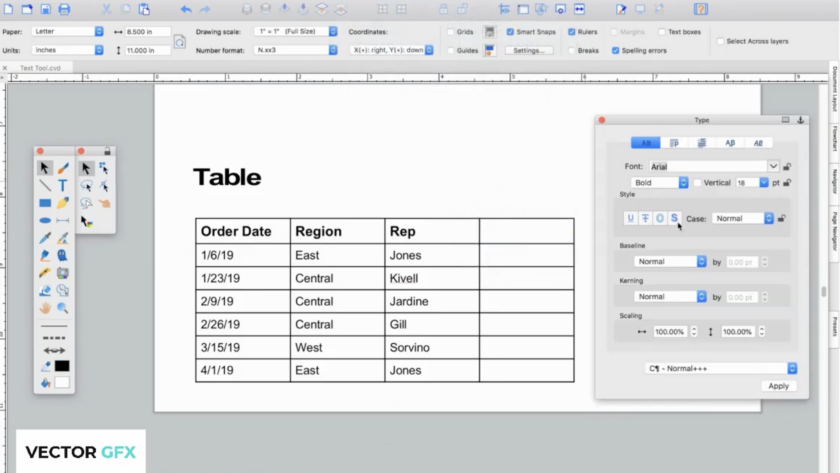
So far we've covered building your Symbol Library and using Autotrace to turn images into vectors. This episode is all about text — placing it, styling it, running it along a path, and organizing it into tables.
What You'll Learn:
canvasxdraw's text tools will feel familiar if you've used other authoring software, but they come with the same precision and flexibility canvasxdraw applies to everything…
You don't compromise on your illustrations. We don't think you should have to compromise on knowing your tools inside and out, either.
That's why we're kicking off a new video series built for canvasxdraw users who want to move faster and get more out of the software's most powerful features. Each episode is short, practical, and focused on one feature at a time, no fluff,…
Industry Trends · 2025
Why Technical Illustrators Are Leaving CorelDRAW
The frustrations have been building for years. In 2025, they're finally acting on them. Here's what's driving the exodus — in their own words.
VectorGFX Editorial · May 2026 · 9 min read
…
VectorGFX · Knowledge Center
vectorgfx.net
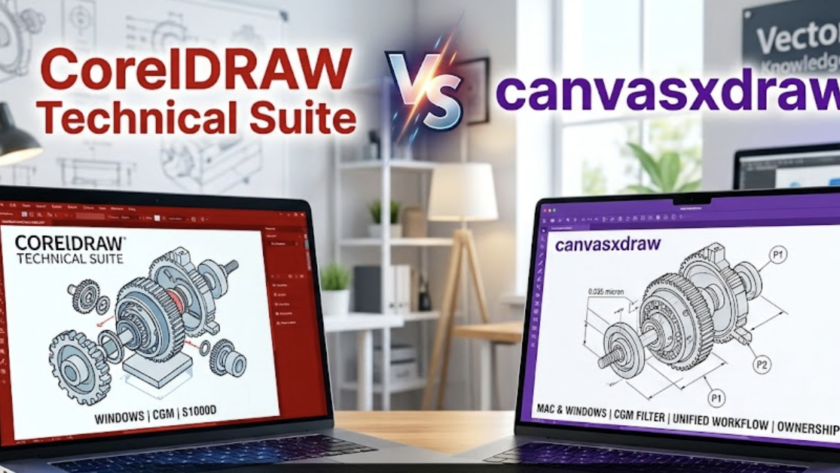
CorelDRAW Technical Suite
VS
canvasxdraw
Technical Illustration Corel vs Canvas
Eight rounds.…
We're kicking off something new for the canvasxdraw community: a step-by-step instructional video series from Paul Dufour, retired Boeing Technical Fellow specializing in aerospace structures. Paul has spent decades creating and reviewing technical graphics in one of the most demanding engineering environments in the world, and he's bringing that experience directly to you, one practical lesson at a time.
If you've followed…
Over the past several months, we've made the case on this blog for why canvasxdraw is the smarter technical illustration platform for engineers, patent professionals, and technical writers who are tired of "close enough." We've walked through the cost math, the workflow advantages, and the Mac parity gap that CorelDRAW Technical Suite simply can't close. The response from technical illustration teams has been…