Skip to content Skip to sidebar Skip to footer

Industry Spotlight:  

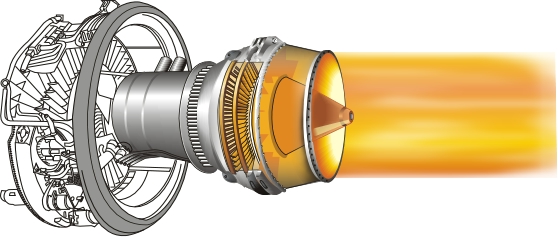
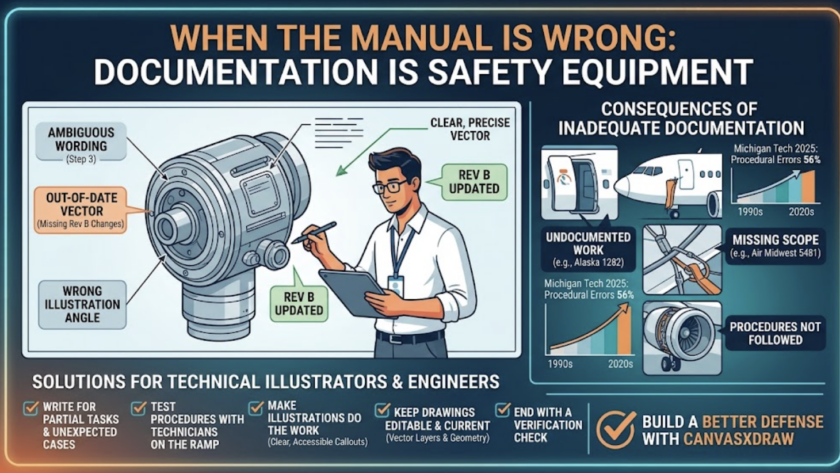
How canvasxdraw Powers Aerospace & Defense Technical Illustration  Part 1 of a series: one industry, one tool, the use cases that run on it.  Every industry we serve asks canvasxdraw to do something slightly different. Starting with this post, we’re running a short series walking through specific industries and the real use cases teams in…
Read More

Vector Fill is built to work hand-in-hand with autotraced images

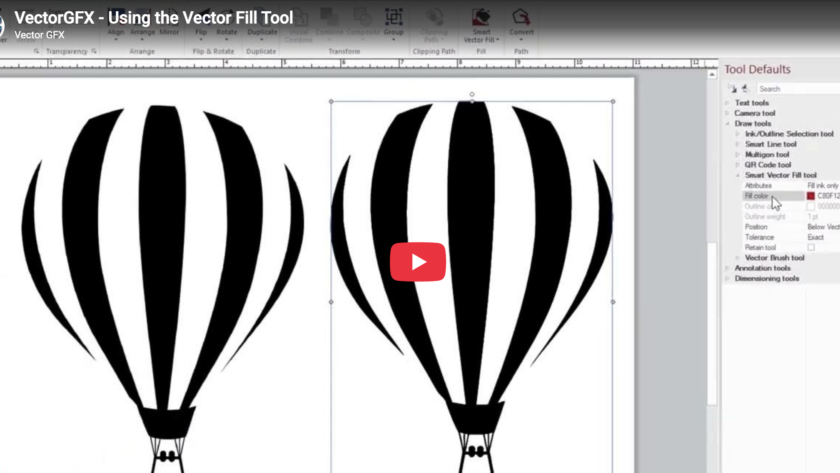
canvasxdraw How-To Series, Episode 6: The Vector Fill Tool 

This episode, the Vector GFX team shows you the Vector Fill tool,  a faster way to color different objects inside canvasxdraw, and one of the tools that pairs most naturally with Autotrace.  What You'll Learn  Vector Fill is built to work hand-in-hand with autotraced images, so if you haven't watched Episode 2 on the Autotrace tool yet, it's worth a quick look first this episode…

Read More

canvasxdraw How-To Series, Episode 4: Using Colors

canvasxdraw How-To Series, Episode 4: Using Colors 

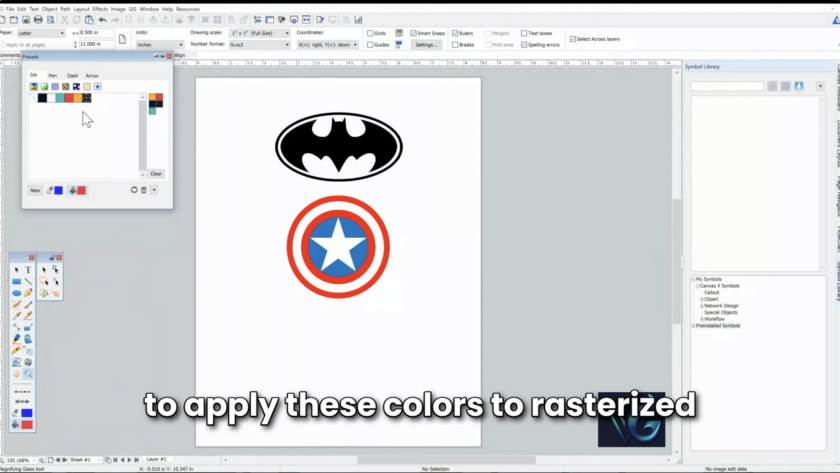
We've covered symbols, autotrace, and text tools. This episode builds on your custom color palette (created in the Color Presets window) and shows you how to actually apply those colors to both rasterized images and vector objects.  What You'll Learn  Rasterized images, like a JPEG, are made of pixels with soft, pixelated edges. Vector objects, like an SVG, have sharp, calculated edges.…

Read More

Text Tools Instructional Video

How-To Series, Episode 3: Working with Text Tools 

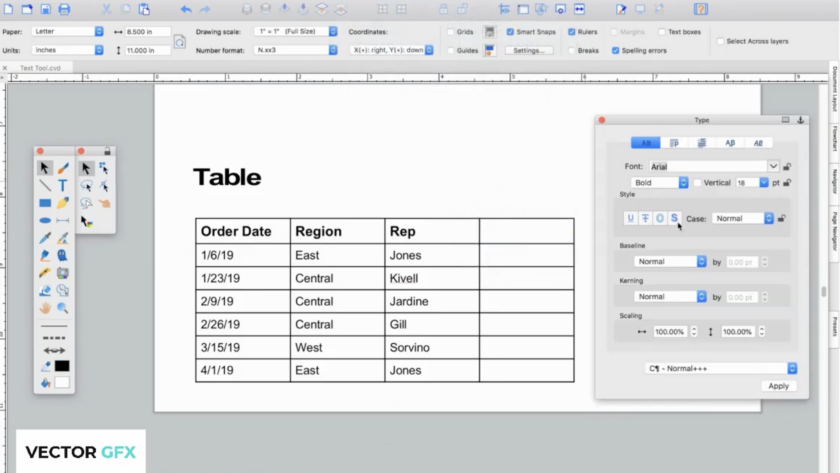
So far we've covered building your Symbol Library and using Autotrace to turn images into vectors. This episode is all about text — placing it, styling it, running it along a path, and organizing it into tables.  What You'll Learn:  canvasxdraw's text tools will feel familiar if you've used other authoring software, but they come with the same precision and flexibility canvasxdraw applies to everything…

Read More