Skip to content Skip to sidebar Skip to footer

Vector GFX

15 articles published
canvasxdraw How-To Series, Episode 4: Using Colors

canvasxdraw How-To Series, Episode 4: Using Colors 

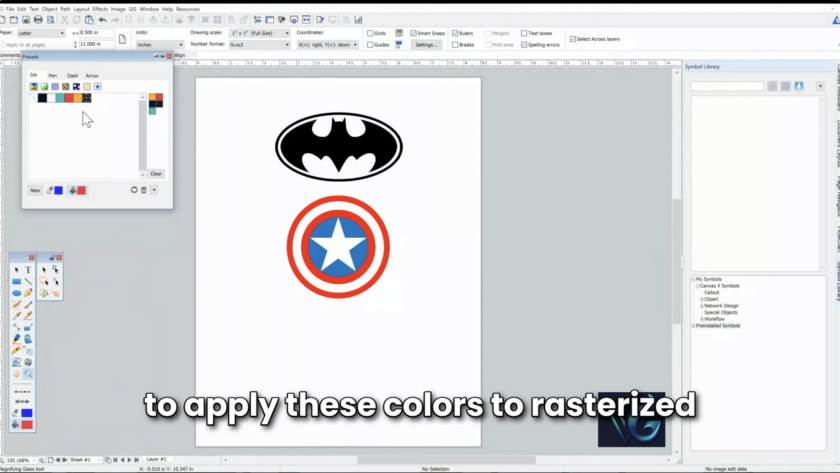
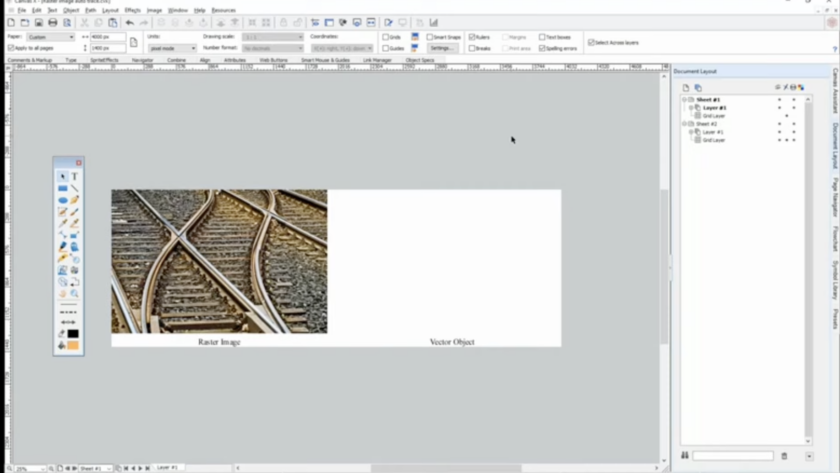
We've covered symbols, autotrace, and text tools. This episode builds on your custom color palette (created in the Color Presets window) and shows you how to actually apply those colors to both rasterized images and vector objects.  What You'll Learn  Rasterized images, like a JPEG, are made of pixels with soft, pixelated edges. Vector objects, like an SVG, have sharp, calculated edges.…

Read More

Text Tools Instructional Video

How-To Series, Episode 3: Working with Text Tools 

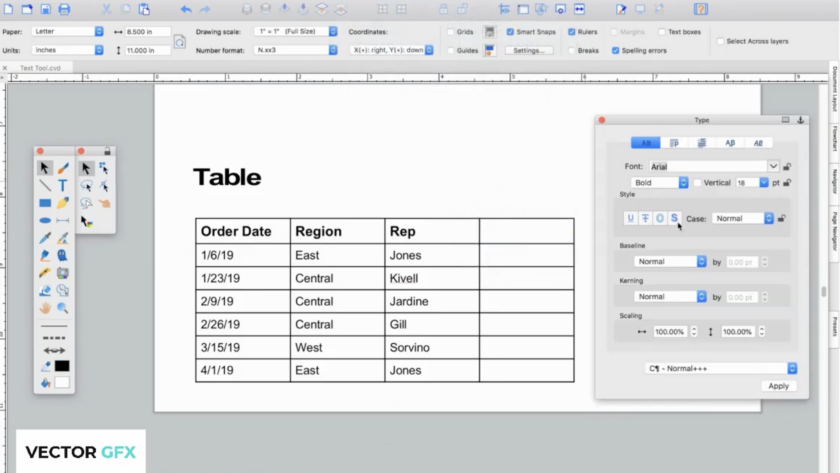
So far we've covered building your Symbol Library and using Autotrace to turn images into vectors. This episode is all about text — placing it, styling it, running it along a path, and organizing it into tables.  What You'll Learn:  canvasxdraw's text tools will feel familiar if you've used other authoring software, but they come with the same precision and flexibility canvasxdraw applies to everything…

Read More

Autotrace bridges the gap between raster and vector instantly. Feed it a photograph or any pixel-based image, and it automatically traces the image (or any channel within it) to generate a fully editable vector object built from clean polygons and shapes, sharp at any display size, no manual tracing required.

canvasxdraw How-To Series 

Episode 2: How to Use the Autotrace Tool  Last time, we showed you how to build custom symbols into your Symbol Library. This episode covers one of canvasxdraw's most popular features: Autotrace.  What Autotrace Does  Autotrace bridges the gap between raster and vector instantly. Feed it a photograph or any pixel-based image, and it automatically traces the image (or any channel within it)…

Read More

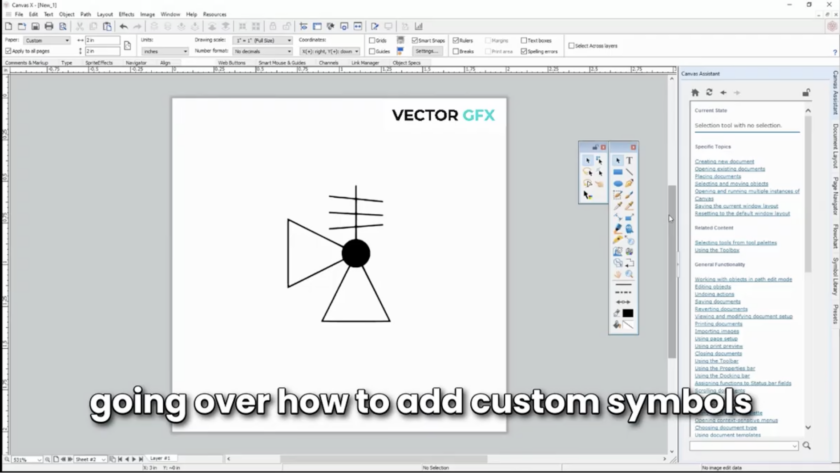
canvasxdraw ships with a rich symbol library packed with hundreds of ready-to-use symbols spanning multiple industries. But your projects don't always fit inside someone else's symbol set. That's why canvasxdraw also lets you build your own symbols from scratch and drop them straight into the library, right alongside the built-in set.

Introducing the canvasxdraw How-To Series: Get More Out of the Features You Already Love 

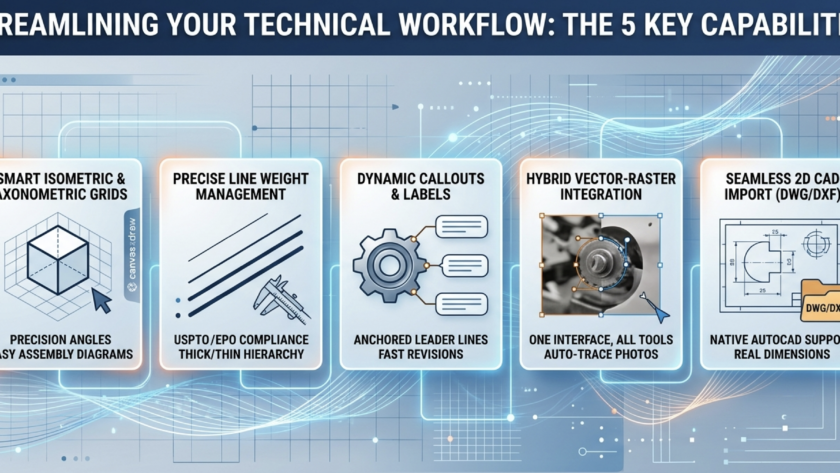
You don't compromise on your illustrations. We don't think you should have to compromise on knowing your tools inside and out, either.  That's why we're kicking off a new video series built for canvasxdraw users who want to move faster and get more out of the software's most powerful features. Each episode is short, practical, and focused on one feature at a time, no fluff,…

Read More

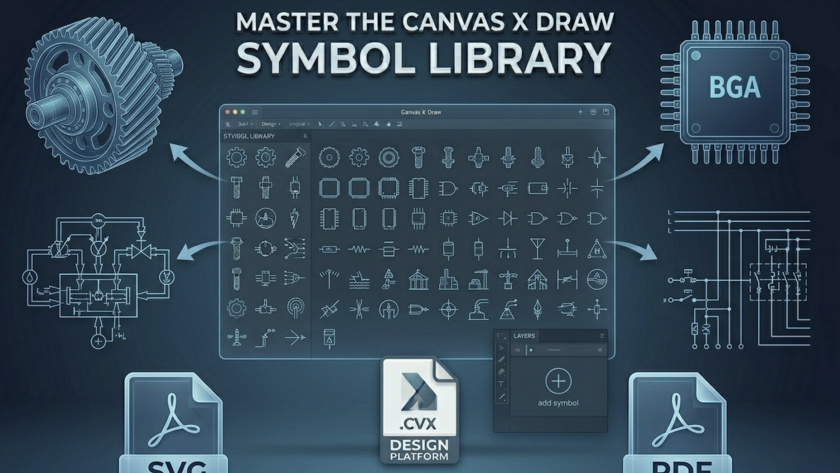
Master the Canvas X Draw Symbol Library: How to Speed Up Your Mac Technical Illustrations

PROBLEM: Does looking for the right symbol slow down your workflow to complete your technical illustration: Learn how to use the Master the Symbol Library in canvasxdrawfor Mac In the world of technical illustration and graphic design, speed and precision are the names of the game. Whether you’re mapping out a complex floor plan, designing…

Read More