"The client only sent us a PDF" is treated as a dead end more often than it should be. Whether a PDF can be recovered as real, editable vector data depends entirely on what's inside the file and that's not something you can tell just by looking at it on screen.
Two Fundamentally Different Kinds…
Four Standards That Get Lumped Together, and Shouldn't Be
Technical illustration software marketing tends to list IEEE, ANSI, DIN, and JIS in the same breath, as if they're four flavors of the same thing. They're not. Two of them govern how numbers are calculated. Two of them govern how dimensions and drawings look. Confusing the…
A file format conversion isn't a neutral pass-through. Every format represents geometry, text, and metadata using its own internal rules, and converting between them means translating from one rule set to another. Translation is where data gets dropped, not because software is careless, but because the source format sometimes describes something the target format has…
We know our audience doesn't need convincing prose about how great a piece of software is. You want to know how something actually works, whether it holds up under real conditions, and what happens when it doesn't. So that's what September is about.
What We're Covering
This month, we're running eight posts split across two…
How to Wrap Text Along an Object
We touched on writing text along a path back in Episode 3, but this episode goes further, showing you the full set of positioning controls you get once your text is following an object's shape.
What You'll Learn
The Text Path tool lets you wrap text along any…
Charts Overview
This episode, the Vector GFX team walks through building charts directly in canvasxdraw. This is a fast way to turn raw data into visually clear patterns, comparisons, and trends without leaving your document.
What You'll Learn
Instead of building a chart in a separate spreadsheet program and importing a static image, canvasxdraw lets…
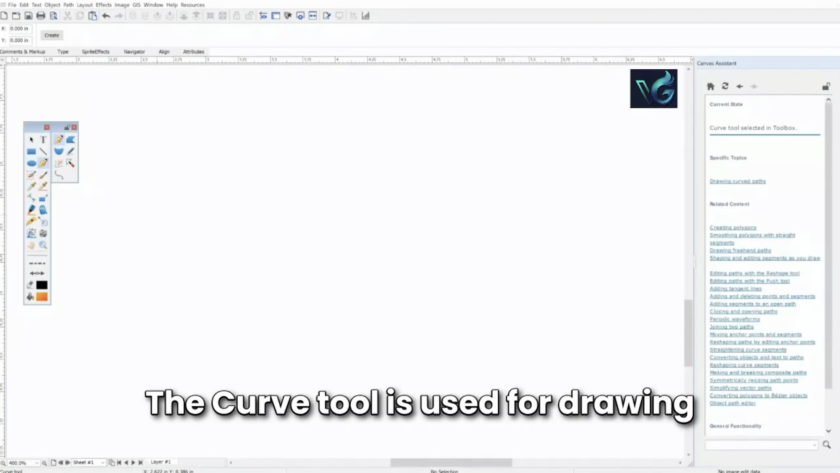
This episode, the Vector GFX team shows you the Curve tool, how to draw smooth, controlled lines, switch direction mid-curve, and swap between curved and straight segments without starting over.
What You'll Learn
The Curve tool gives you full control over a path as you draw it: where it curves, how sharply, and when it…
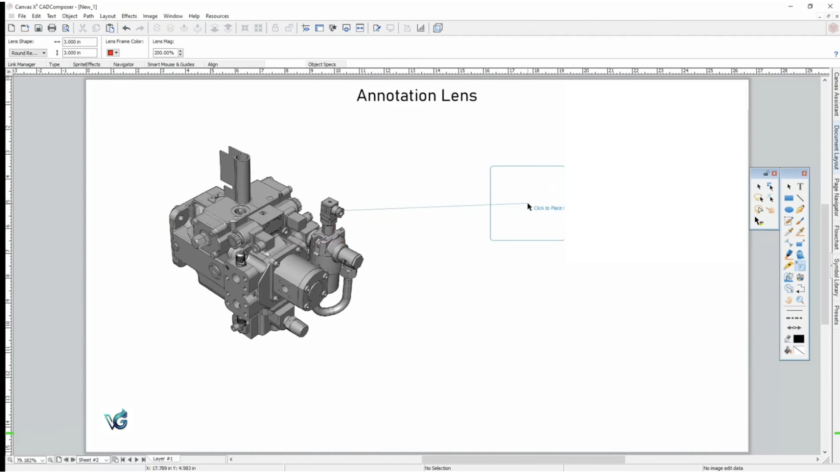
This episode, Natalie from the Vector GFX team shows you the Annotation Lens — a tool built to easily capture and call out detail on a specific area of your canvas.
What You'll Learn
A lens object lets you magnify or highlight a particular region of your illustration without redrawing anything perfect for…
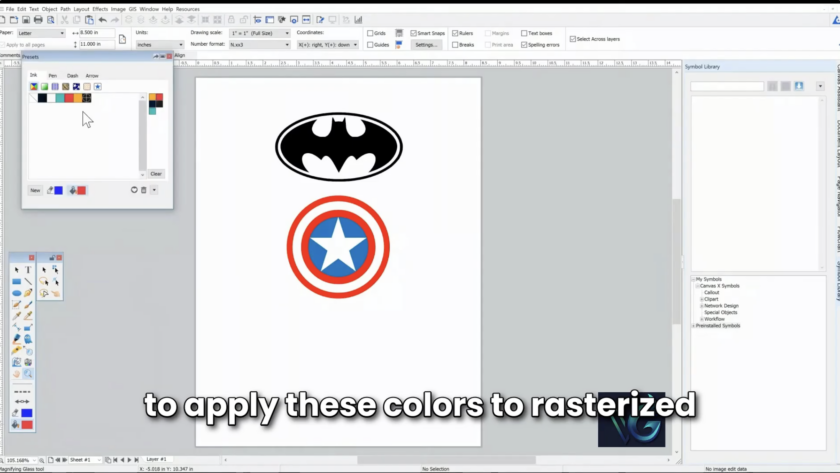
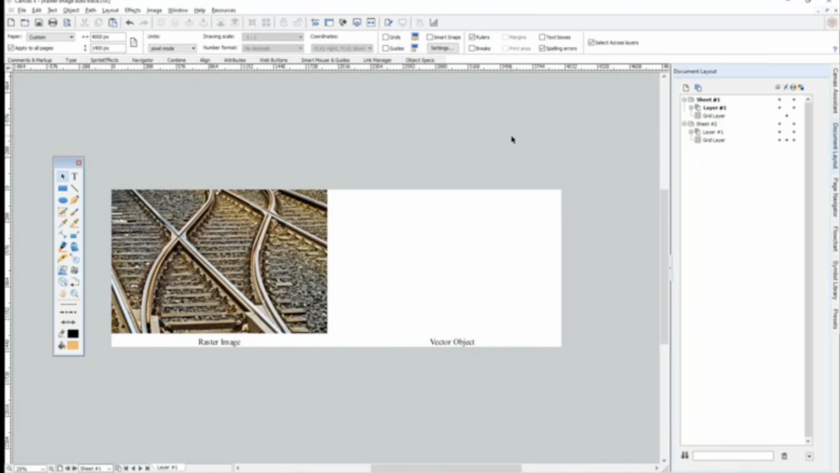
We've covered symbols, autotrace, and text tools. This episode builds on your custom color palette (created in the Color Presets window) and shows you how to actually apply those colors to both rasterized images and vector objects.
What You'll Learn
Rasterized images, like a JPEG, are made of pixels with soft, pixelated edges. Vector objects, like an SVG, have sharp, calculated edges.…
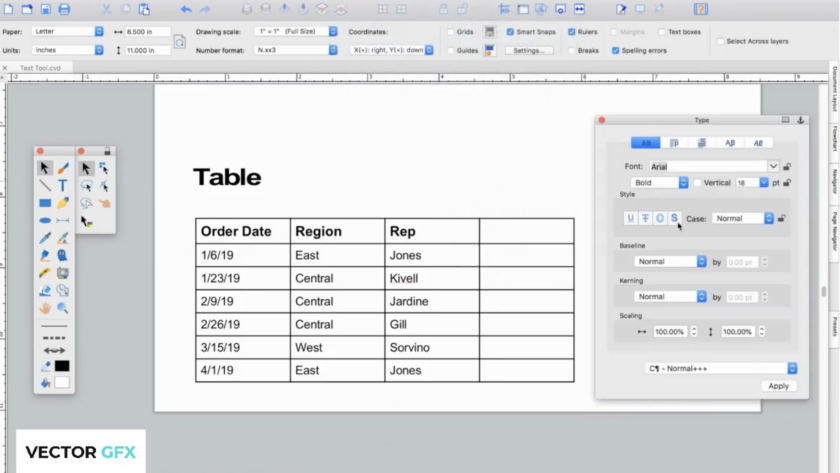
So far we've covered building your Symbol Library and using Autotrace to turn images into vectors. This episode is all about text — placing it, styling it, running it along a path, and organizing it into tables.
What You'll Learn:
canvasxdraw's text tools will feel familiar if you've used other authoring software, but they come with the same precision and flexibility canvasxdraw applies to everything…
Episode 2: How to Use the Autotrace Tool
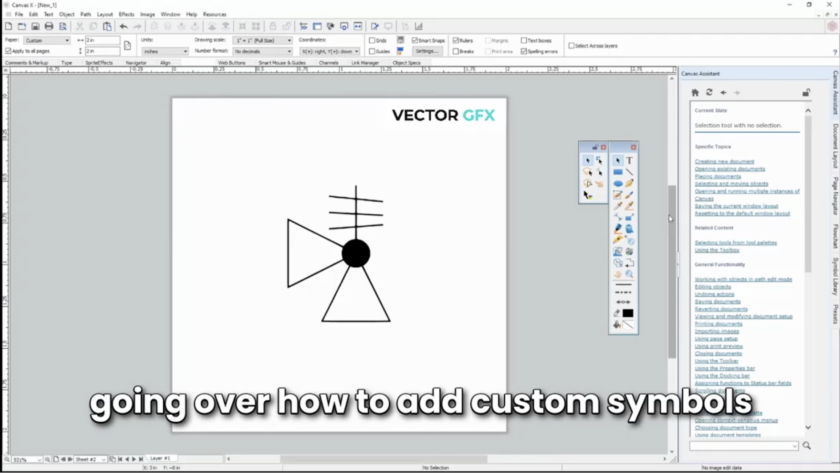
Last time, we showed you how to build custom symbols into your Symbol Library. This episode covers one of canvasxdraw's most popular features: Autotrace.
What Autotrace Does
Autotrace bridges the gap between raster and vector instantly. Feed it a photograph or any pixel-based image, and it automatically traces the image (or any channel within it)…
You don't compromise on your illustrations. We don't think you should have to compromise on knowing your tools inside and out, either.
That's why we're kicking off a new video series built for canvasxdraw users who want to move faster and get more out of the software's most powerful features. Each episode is short, practical, and focused on one feature at a time, no fluff,…