Episode 9: Smart Tools
This episode, the Vector GFX team shows you Smart Snaps. This is a fast way to get objects perfectly aligned and evenly distributed without measuring or eyeballing a thing.
What You'll Learn
Alignment is one of those small details that quietly signals a polished illustration from a sloppy one. canvasxdraw's Smart…
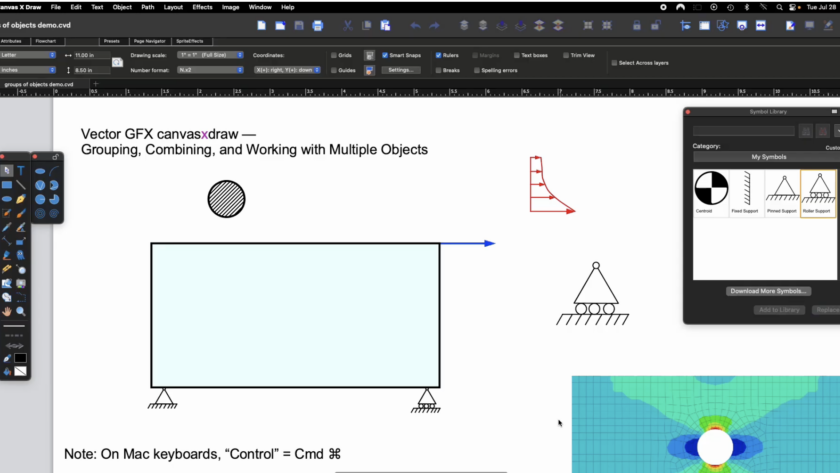
An Engineer's Guide to Grouping, Combining, and Working with Objects
This episode comes from someone who's used canvasxdraw almost daily for over 20 years: Paul Dufour, retired Boeing Technical Fellow in Aerospace Structures, and a longtime canvasxdraw champion. Paul has walked us through why good technical illustration matters to design engineers. He understands and uses…
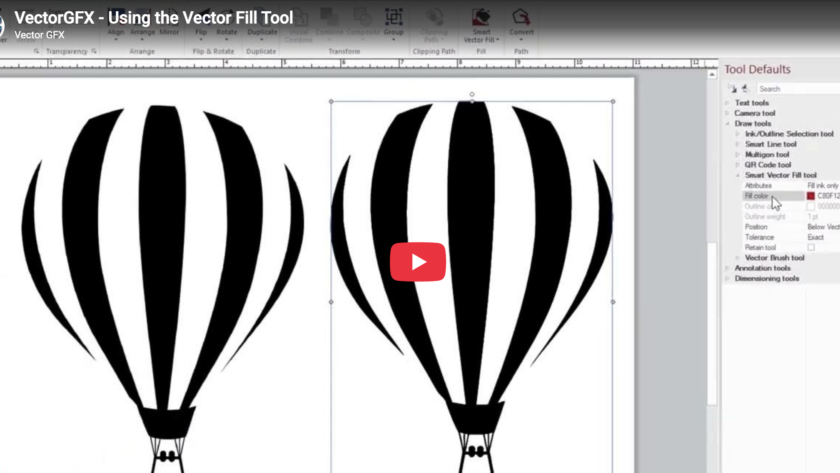
This episode, the Vector GFX team shows you the Vector Fill tool, a faster way to color different objects inside canvasxdraw, and one of the tools that pairs most naturally with Autotrace.
What You'll Learn
Vector Fill is built to work hand-in-hand with autotraced images, so if you haven't watched Episode 2 on the Autotrace tool yet, it's worth a quick look first this episode…
VectorGFX · Knowledge Center
vectorgfx.net
Migration Guide · Technical Illustration
Switching from CorelDRAW to canvasxdraw
…
Technical illustration lives and dies on accuracy. A floor plan, a machine part, an aerospace schematic. If the dimensions are wrong, or just plain missing, the drawing is decoration, not documentation. That's exactly why canvasxdraw builds its dimensioning tools around the same standard the rest of the app is known for: .035 micron precision, with…
Industry Trends · 2025
Why Technical Illustrators Are Leaving CorelDRAW
The frustrations have been building for years. In 2025, they're finally acting on them. Here's what's driving the exodus — in their own words.
VectorGFX Editorial · May 2026 · 9 min read
…
VectorGFX · Knowledge Center
vectorgfx.net
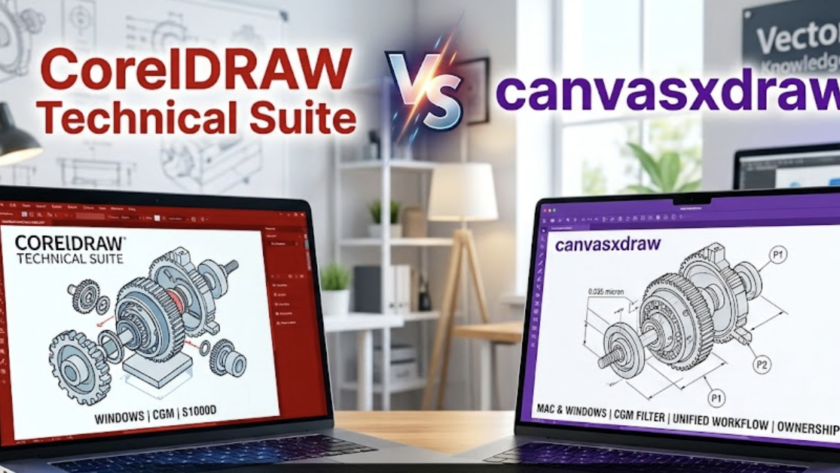
CorelDRAW Technical Suite
VS
canvasxdraw
Technical Illustration Corel vs Canvas
Eight rounds.…
What Four Decades of Customer Loyalty Teaches Us About Keeping Software Alive
There are emails that make your quarter, and then there are emails that remind you why your company exists.
Recently, we received a message from Dr. Doo Soo Chung, Professor Emeritus of Analytical Chemistry at Seoul National University in South Korea. He first discovered canvasxdraw on a…
We're kicking off something new for the canvasxdraw community: a step-by-step instructional video series from Paul Dufour, retired Boeing Technical Fellow specializing in aerospace structures. Paul has spent decades creating and reviewing technical graphics in one of the most demanding engineering environments in the world, and he's bringing that experience directly to you, one practical lesson at a time.
If you've followed…
Over the past several months, we've made the case on this blog for why canvasxdraw is the smarter technical illustration platform for engineers, patent professionals, and technical writers who are tired of "close enough." We've walked through the cost math, the workflow advantages, and the Mac parity gap that CorelDRAW Technical Suite simply can't close. The response from technical illustration teams has been…
Handling DWG, CGM, and CAD Data Without Data Loss
The most critical moment in a technical illustrator’s day is the "Import." If the lines don't connect, the layers are flattened, or the metadata is stripped, the software has failed you.
Many CorelDRAW Technical Suite users find themselves relying on expensive third-party plugins or convoluted "bridge" software just to handle engineering data. canvasxdraw was built specifically to bridge the gap between…
A frank, numbers-first breakdown of what you're actually paying for — and what serious technical illustrators are choosing instead.
VectorGFX Editorial · May 2026 · 8 min read
Let's not bury the lede: CorelDRAW Technical Suite costs $1,269 per year on a subscription basis, per seat. For studios with multiple illustrators, that compounds quickly. For independent contractors,…