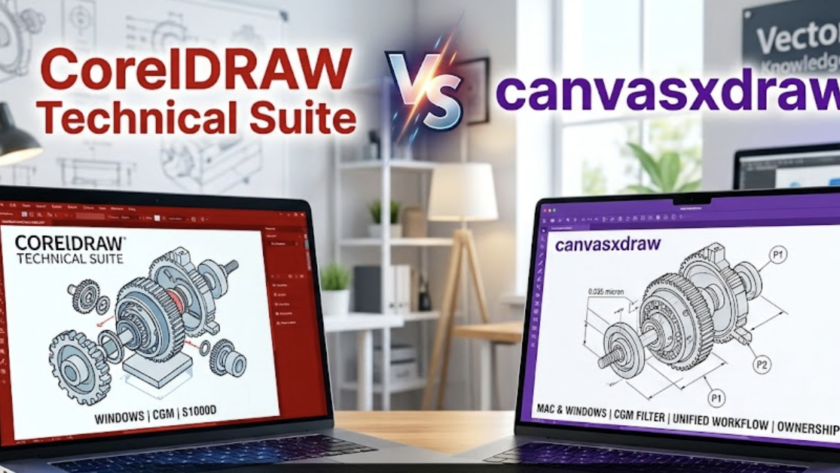
If you are a technical illustrator or engineer working on a Mac, you’ve likely felt like a second-class citizen in the software world. You’ve probably looked at CorelDRAW Technical Suite only to realize the "Technical" part of the name disappears the moment you switch operating systems.
1. Native & Universal: Built for the Modern Mac
Unlike the competition, canvasxdraw isn’t just "compatible" with Mac; it is…
For years, many of you relied on canvasxdraw for MAC and Windows for your most complex technical illustrations. You loved its precision, its ability to handle both vector and raster in one place, and its professional-grade output. But we know what happened: the product hit a standstill.
When canvasxdraw was under previous ownership, the updates…
For the Mac-based engineer, illustrator, and designer, the search for a truly professional, all-in-one 2D technical illustration tool has often felt like a compromise. You’ve had to jump between photo editors, vector programs, and CAD viewers just to finish a single document.
At Vector GFX, we believe your workflow deserves better. We are thrilled to…
Natalie Has You Covered.
Switching to a new technical illustration suite can feel like learning a new language. You know what you want to create, but finding the right tools and mastering the workflow takes time.
To help you hit the ground running, we are excited to release a new "Getting Started" video tutorial created…
Vector GFX is officially launched—and with it comes a renewed commitment to professionals who depend on canvasxdraw software for precision technical illustration, cartography, and scientific visualization.
If you’re already part of the Canvas X Draw community, you know the transition: Canvas GFX sold the canvasxdraw product family to Vector GFX. Our initial message focused on continuity—ensuring users that their technical illustration…